
Logging into Tableau
- Click: https://revupreports.com/
- You will be prompted to sign into office 365
- Login using you’re USERNAME@mdrevup.com
- Example:
- Alicia Burgess
- aburgess@mdrevup.com
- (username = first initial + last name @mdrevup.com)
- Click "Next"
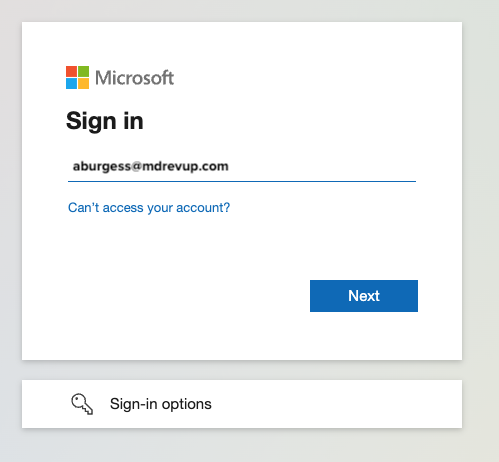
- Example:
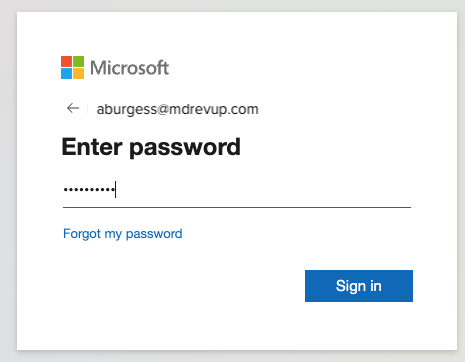
- Enter Password
- Click "Sign In"
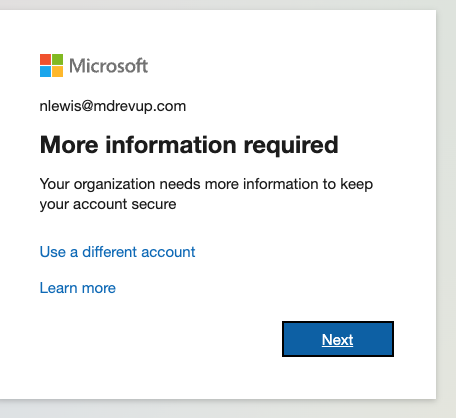
- You will be prompted for additional information.
- Click “Next”
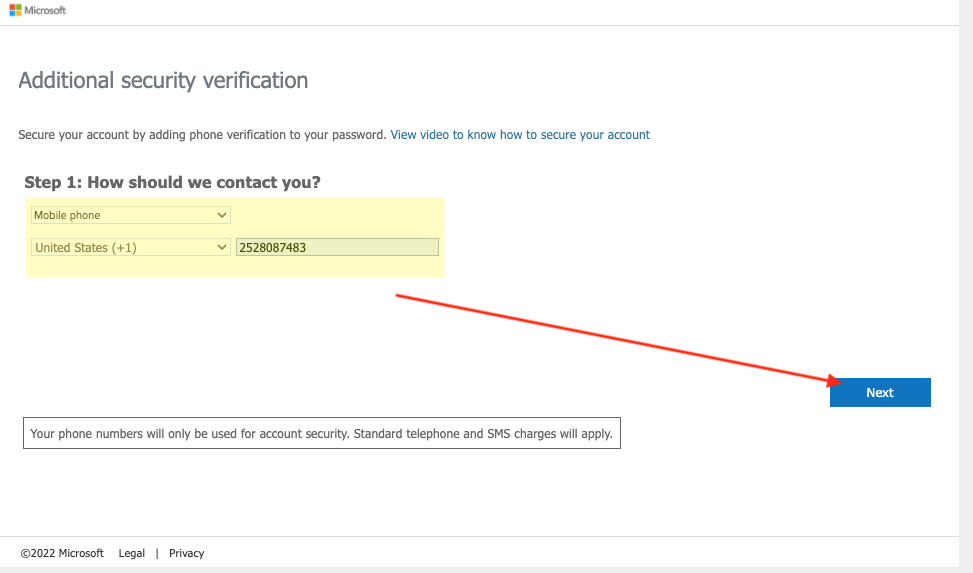
- Enter in your phone number
- Step 1:
- Select Mobile Number
- Select United States
- Enter Phone Number
- Click "Next"
- Step 1:
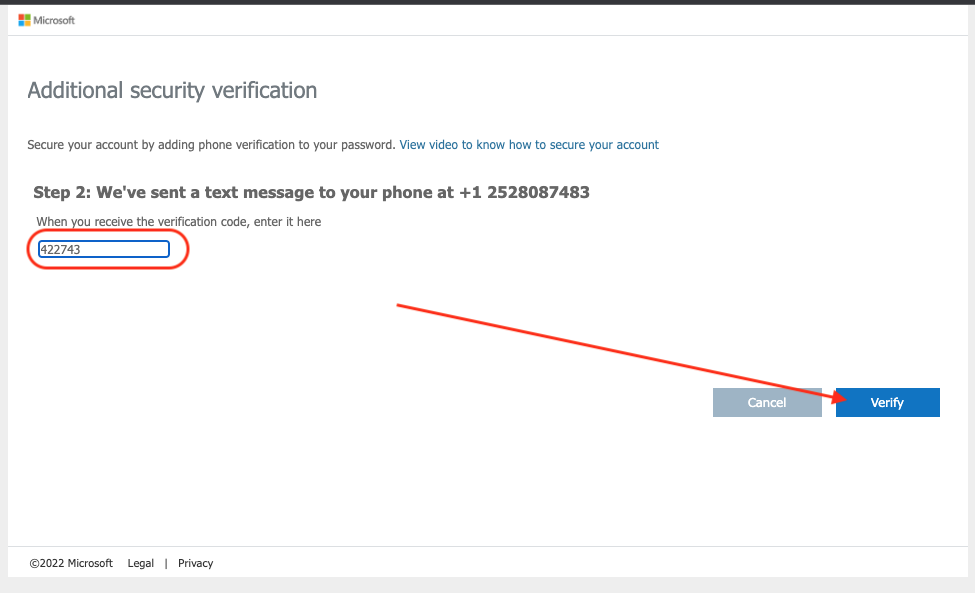
- You will receive a text message with a verification code on your mobile phone
- Enter the verification code
- Click “Verify”
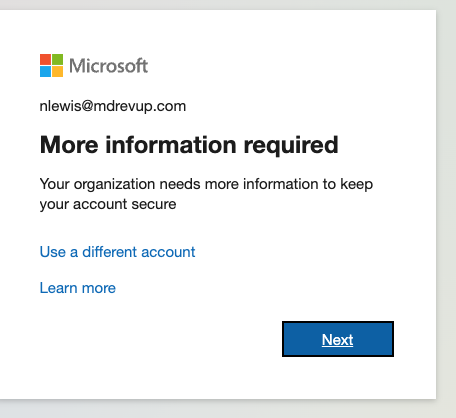
- Once again, you will be prompted for additional information.
- Click “Next”
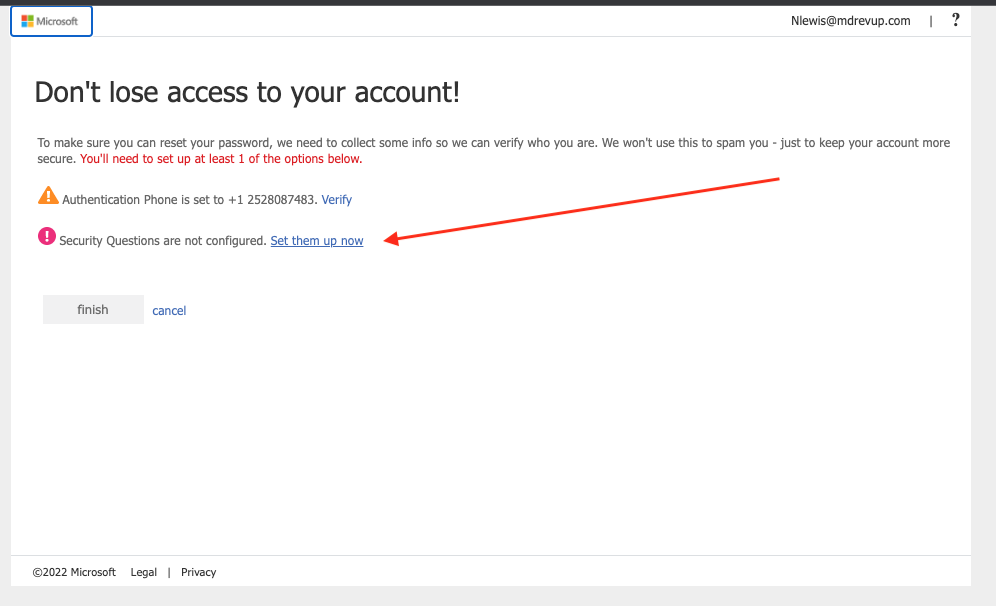
- Complete your Security Questions
- Click “Set them up now”
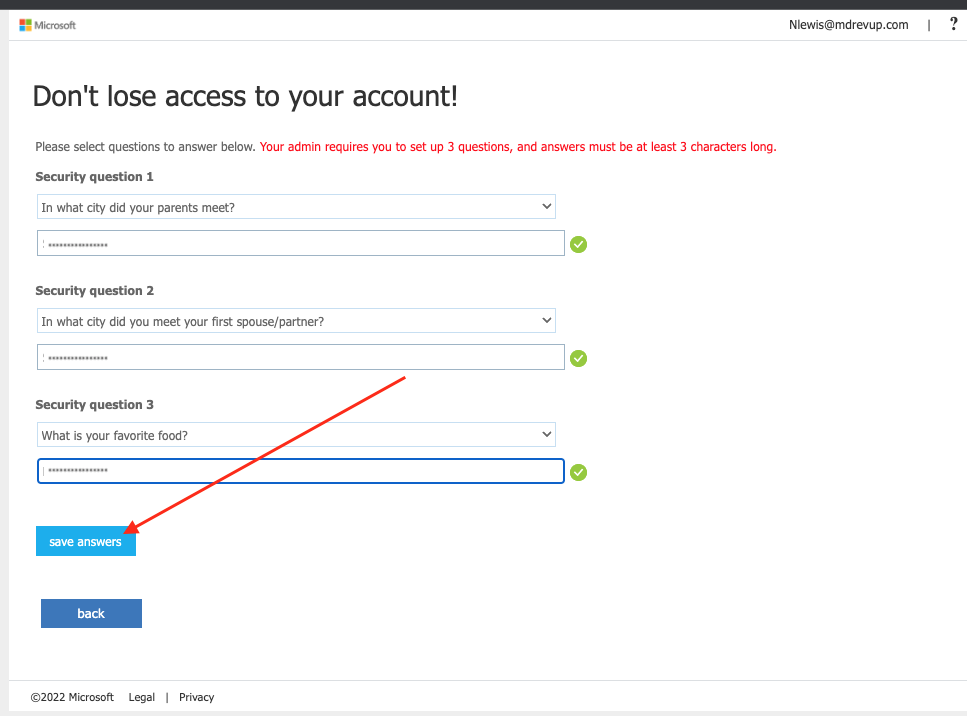
- Answer the security questions
- Answer each question
- Click “Save Answerers"
- Click "Finish"
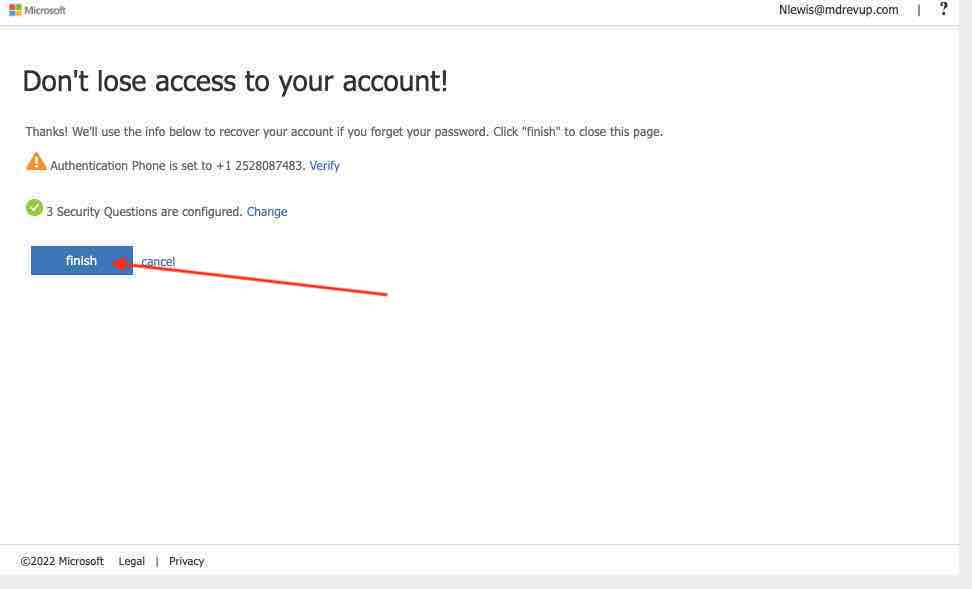
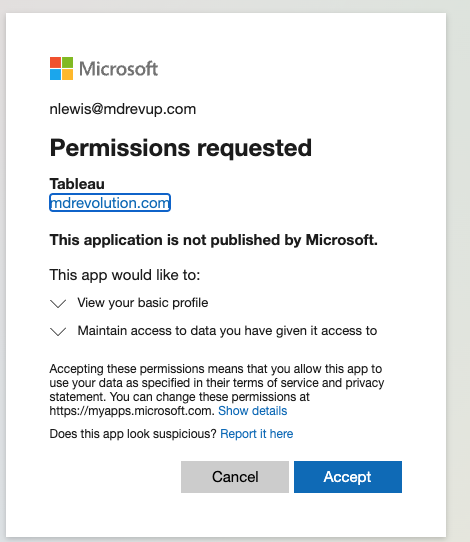
- You will be prompt to grant Tableau access to your account
- Click “Accept”
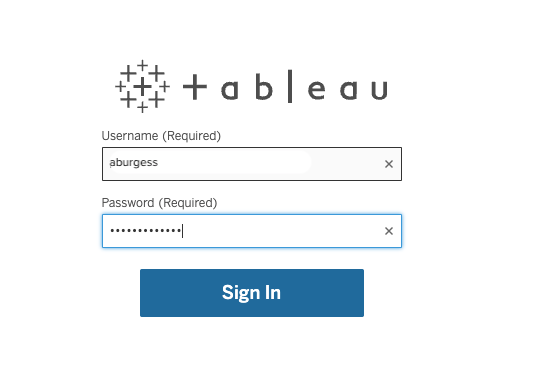
- Login to Tableau
- Enter Username
- Enter Password
- Your credentials have not been modified
- Click "Sign In"
- Your credentials have not been modified
-
- Click here to download these instructions
Comments
0 comments
Article is closed for comments.